No account required to begin
Open the app, add a child, and start recording.
New — record together as a family, synced across your devices

The next feeding, nap, diaper, symptom, milestone, and small memory. All in one calm place, from baby days into childhood.
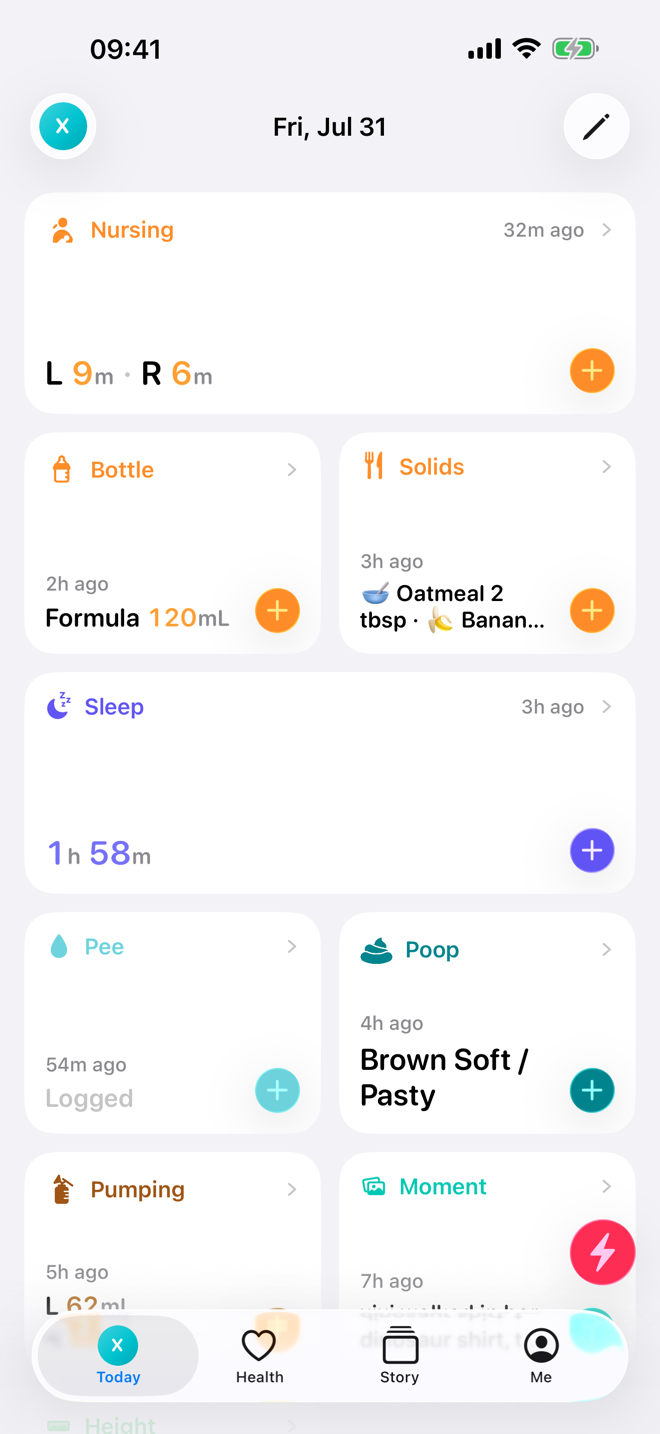
Today keeps the next record close. Story keeps the full day readable when you come back later.
Tap the card, save the record, move on.
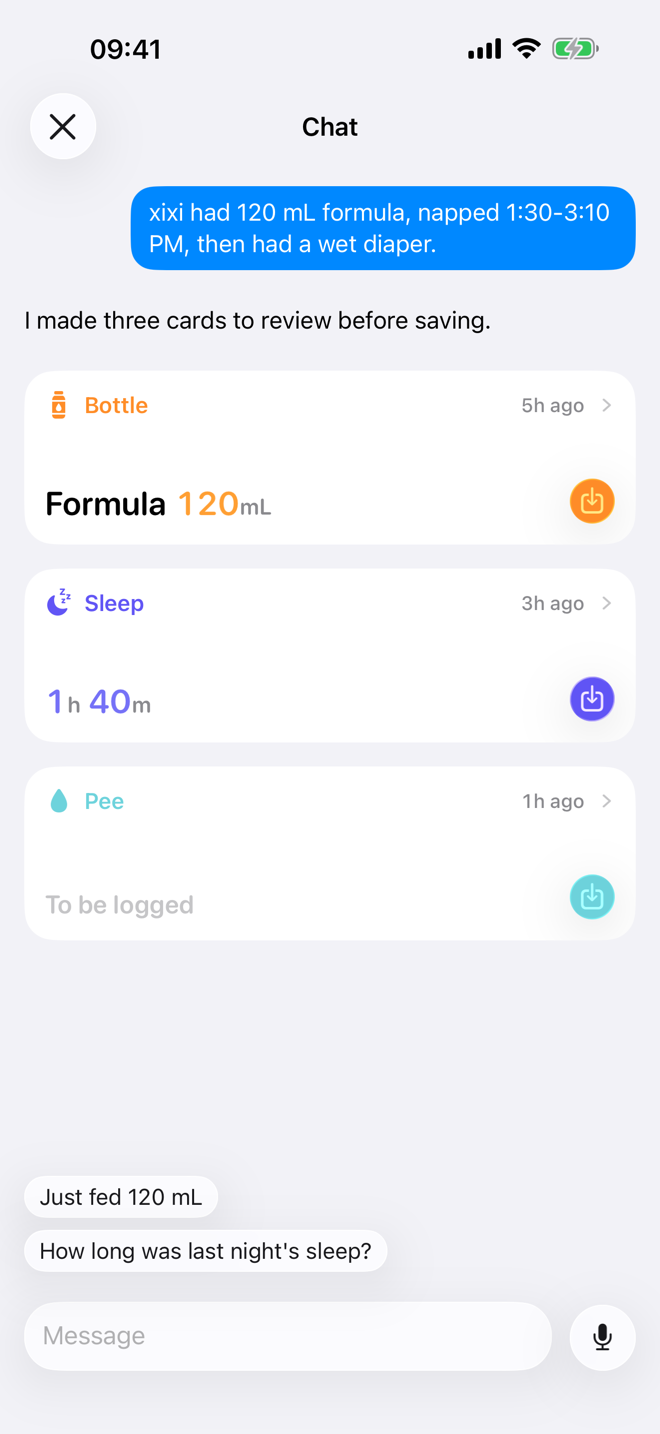
Type or dictate a messy note. Save only the structured draft you approve.
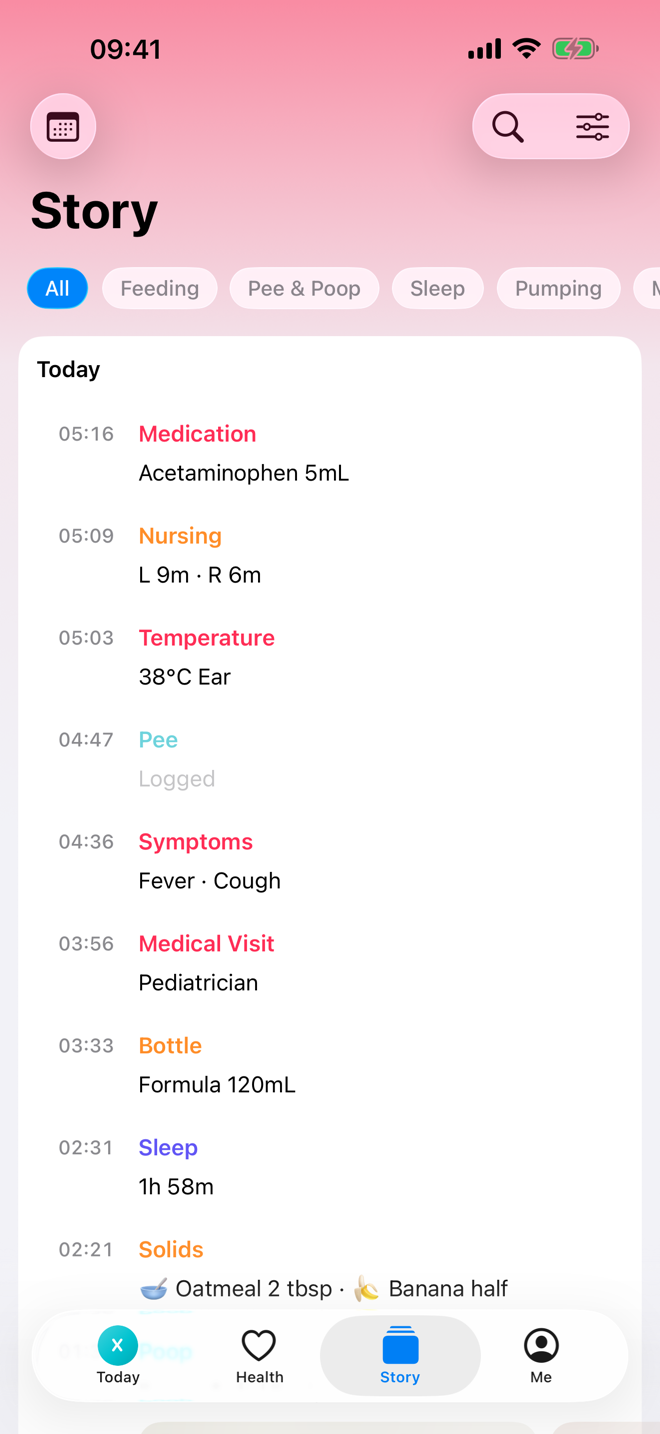
A readable timeline for care, health, milestones, and everyday moments.
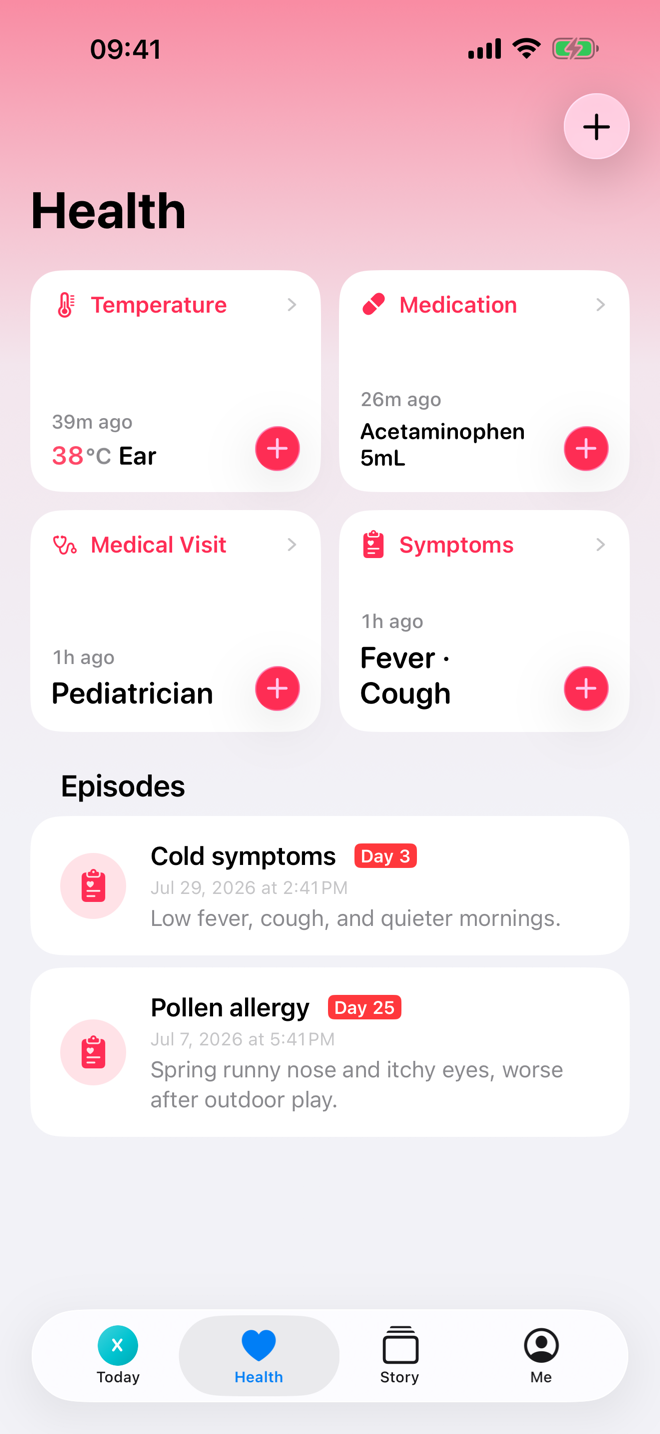
Symptoms, medicines, visits, and notes stay connected when a sick day gets complicated.
Measurements sit beside reference ranges, without turning growth into noise.
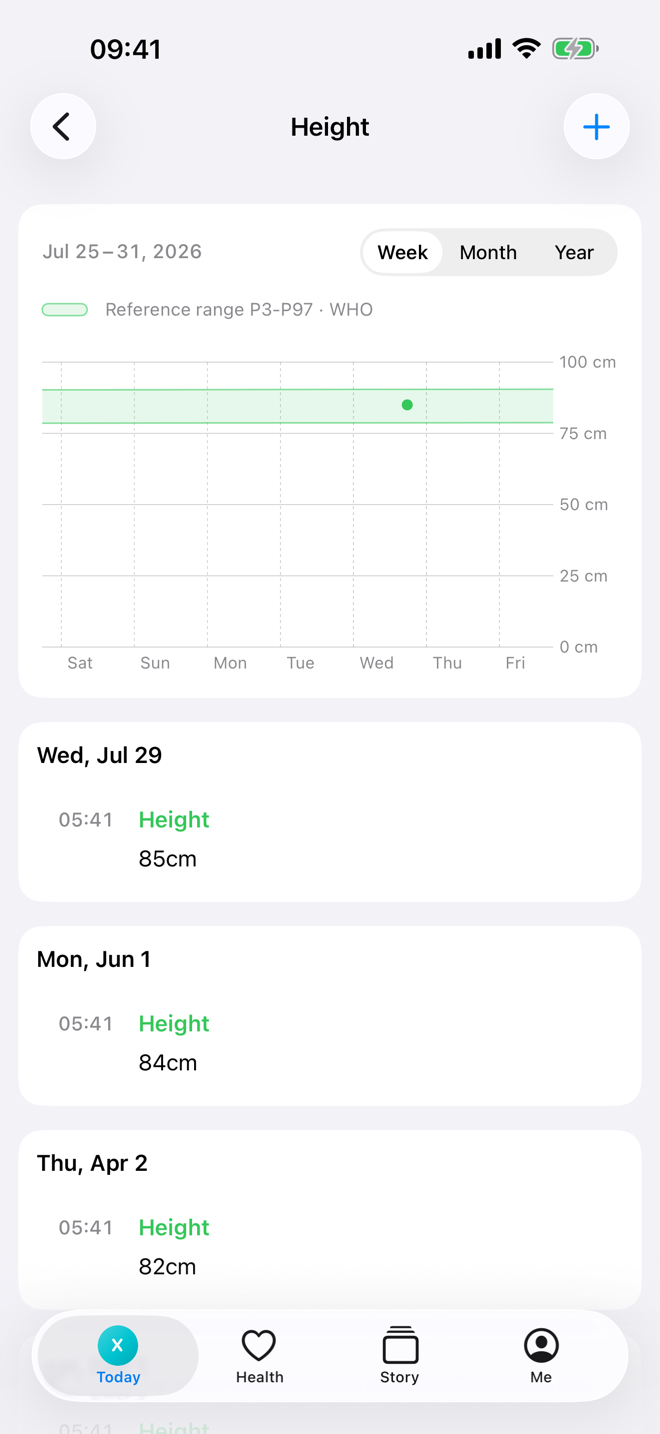
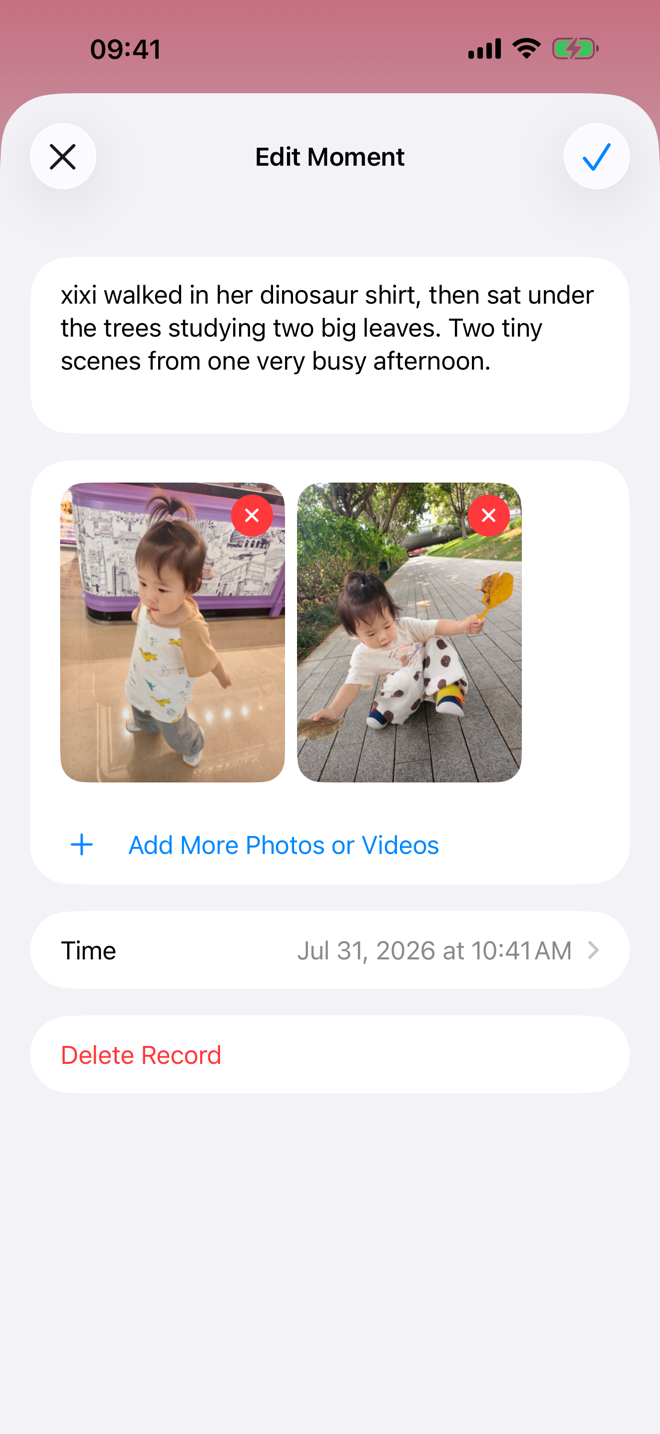
Photos and notes live beside the records that explain the day.
Bear Days opens straight into the work of care: record quickly, review calmly, keep each child separate.
Feeding, sleep, diapers, growth, health, vaccines, milestones, and moments share the same timeline.
Twins, siblings, and changing family setups each keep their own records, preferences, catalogs, and history.
Turn a rough sentence into record cards, then decide what gets saved.
Vaccine schedules, milestone checklists, illness notes, medicines, and clinics sit beside everyday care.
Up to four people keep the same records, in sync on every device. Only the person who starts the family needs Plus.
Today is for the next action. Story is for finding what happened.
Care records, attachments, and Chat history are stored on your iPhone and protected by Apple device data protection and file encryption. Sign in, and with Bear Days Plus your family’s records also stay in sync across your family’s devices. Chat history never leaves the iPhone that created it, and Chat content is sent only when you tap Send.
Read the privacy policyOpen the app, add a child, and start recording.
A family is invite-only and holds up to four people. Nobody you did not invite can see your records.
Core logging is free. Plus adds cloud sync, family sharing, and higher child, checklist, attachment, and Chat limits.
Start free with core care records. Add Plus when you want them synced and shared with your family.
Download on the App Store